The most advanced
DonutSMP client.
Headlined by Krypton — built specifically for the unique mechanics of DonutSMP. PvP, automation, utility. Plus three companion modules that ship as standalone .jar files. Install one, install all four.
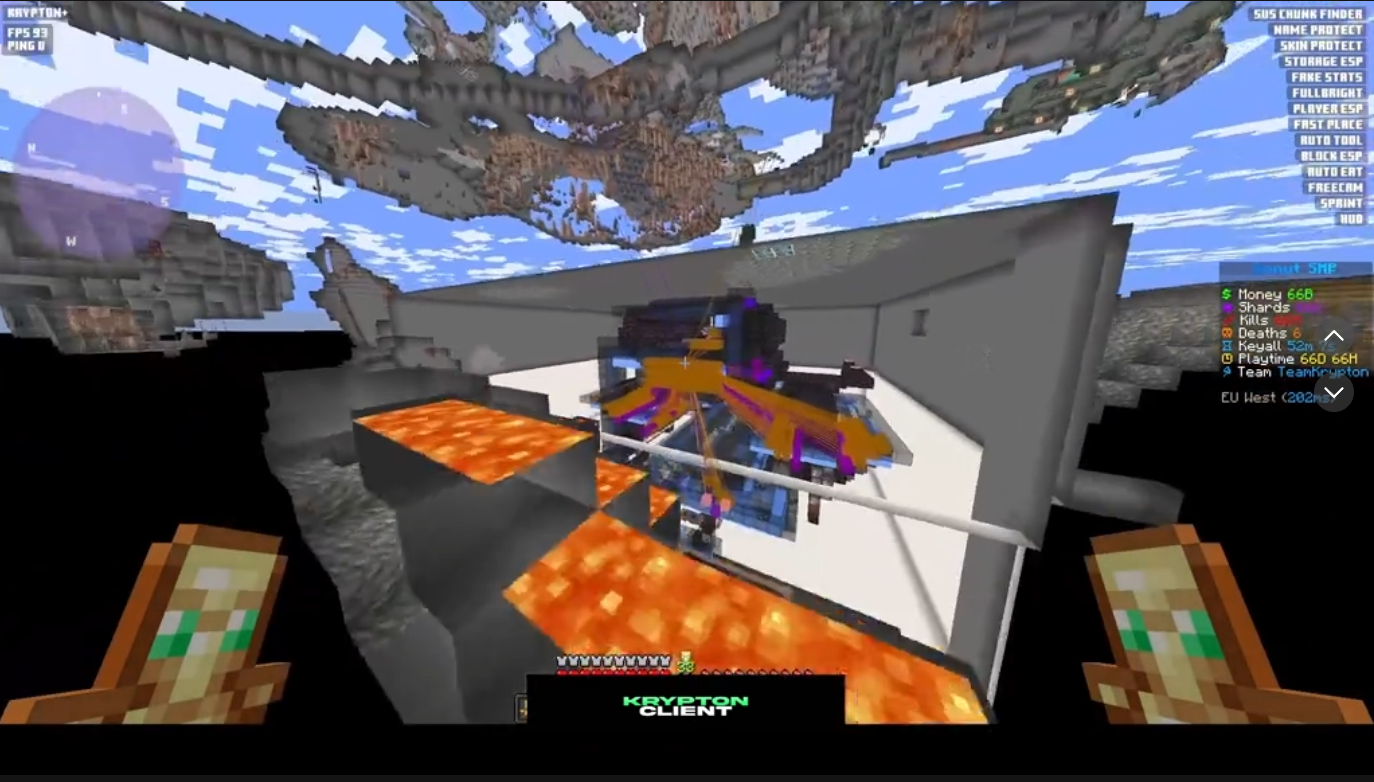
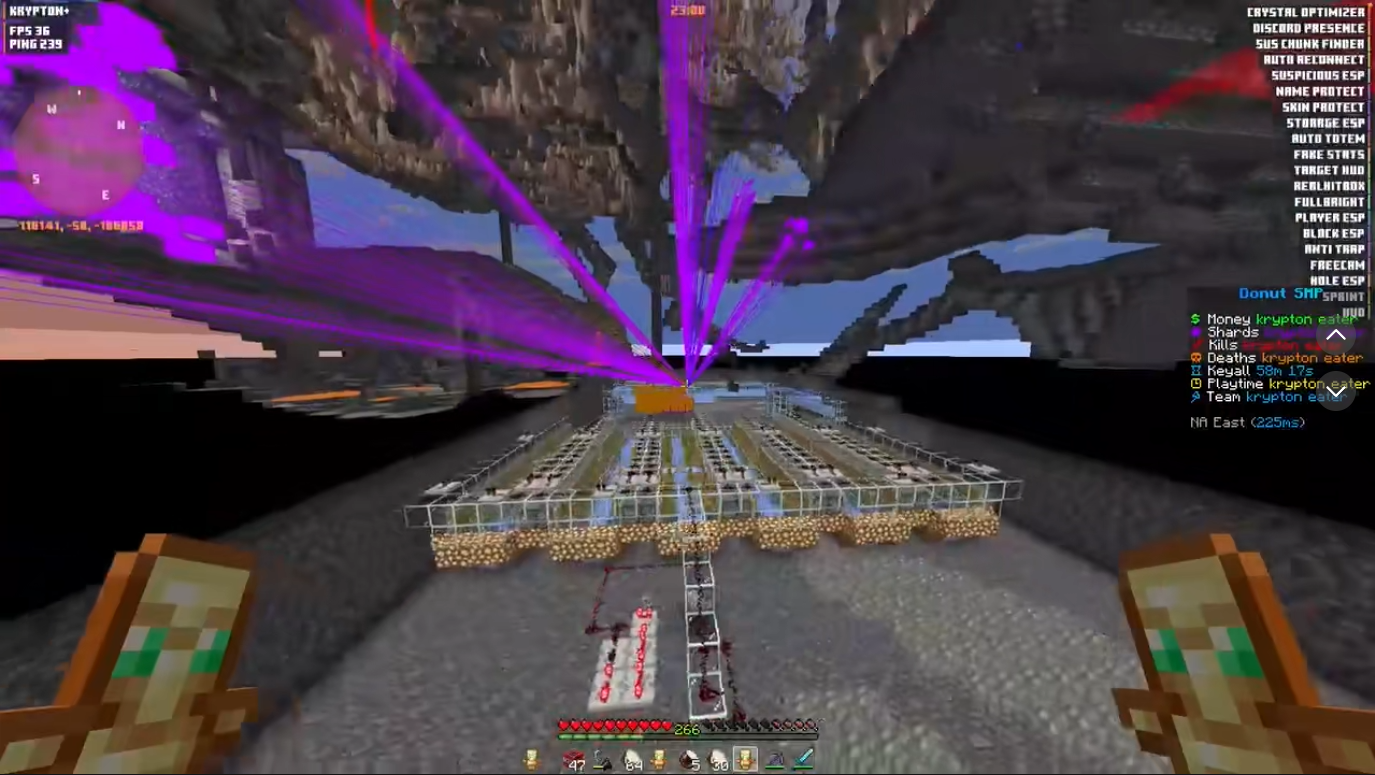
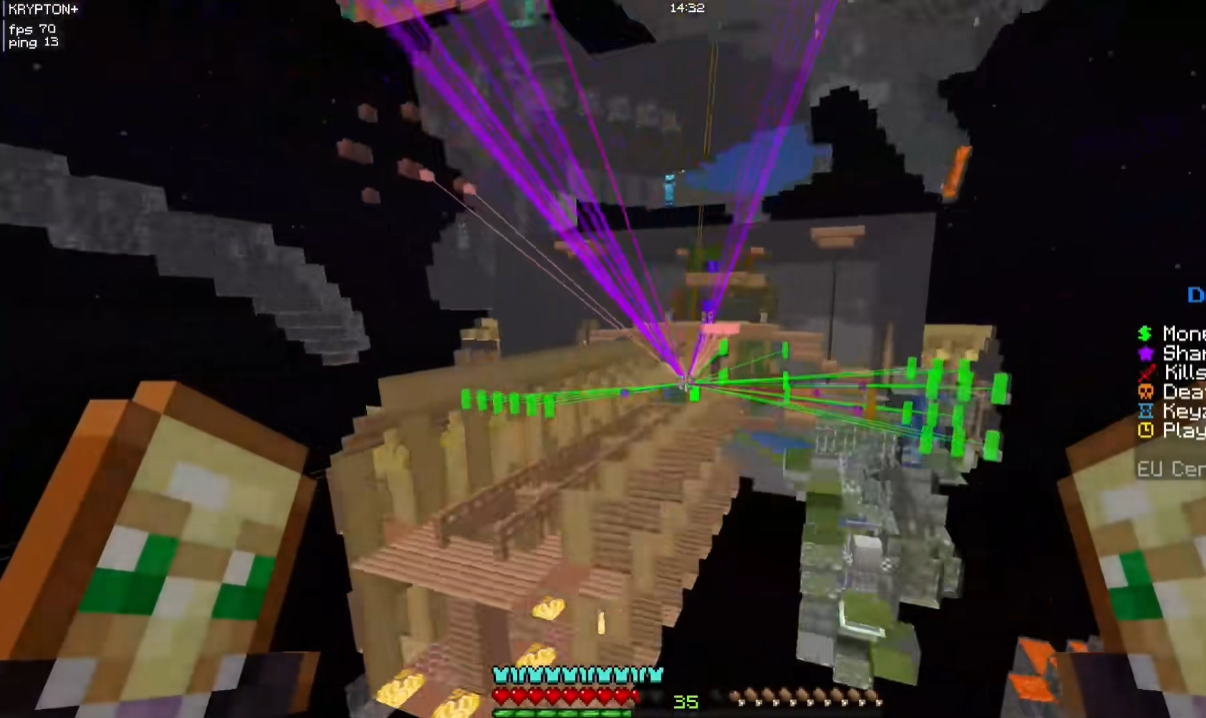
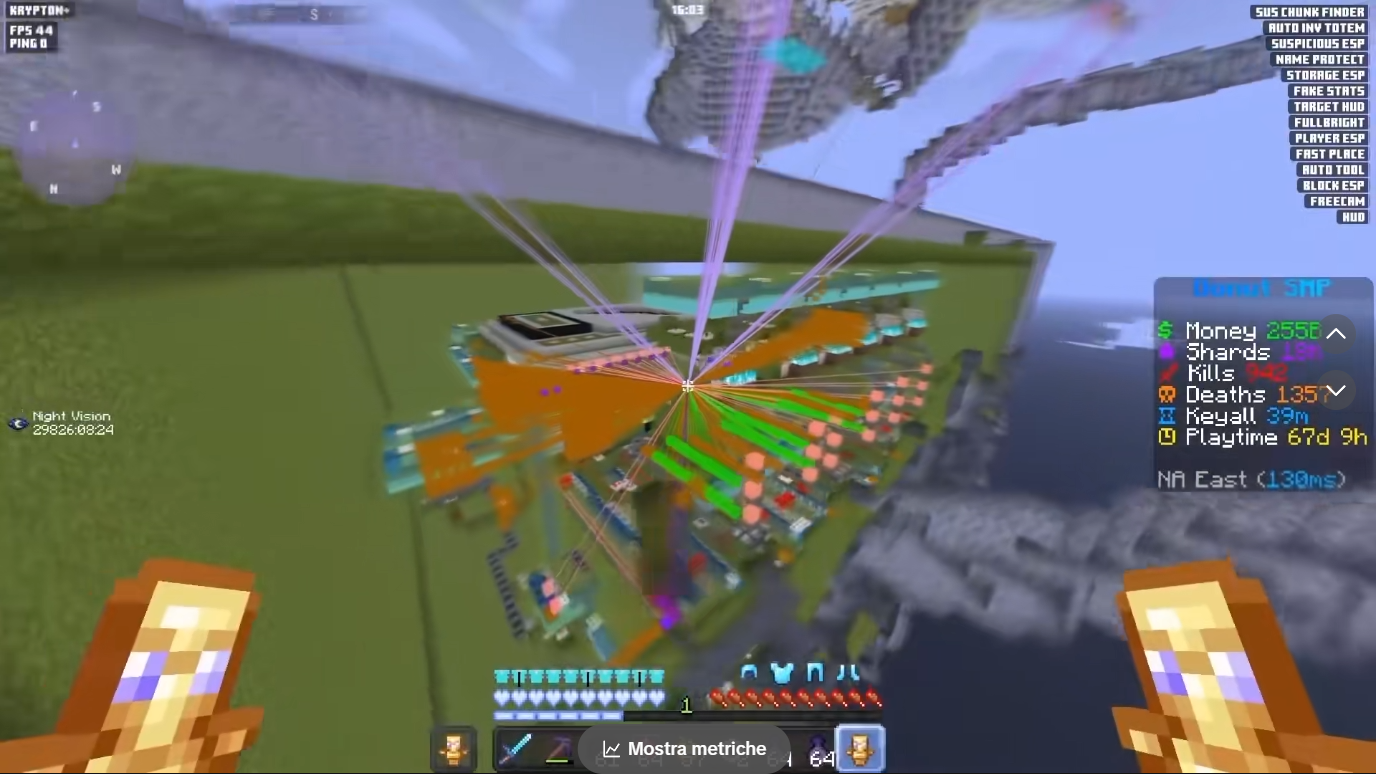
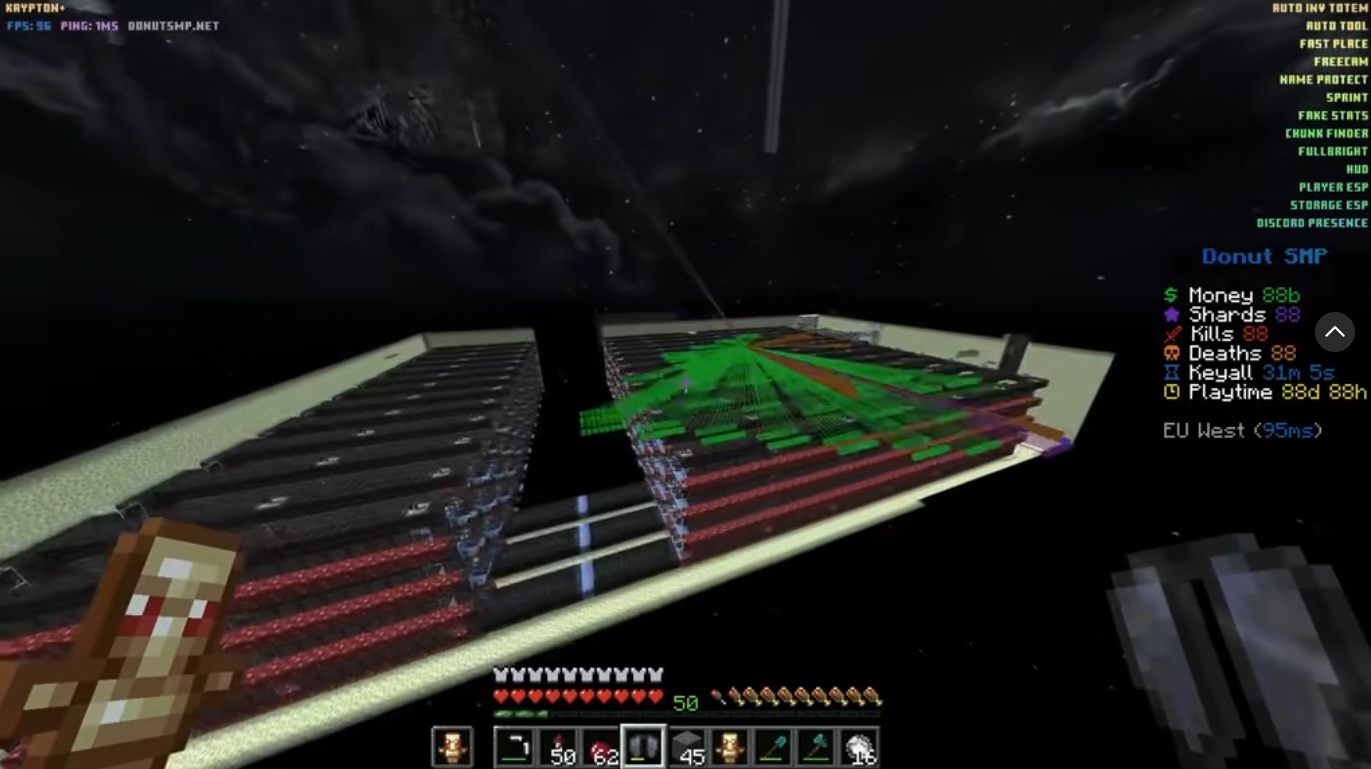
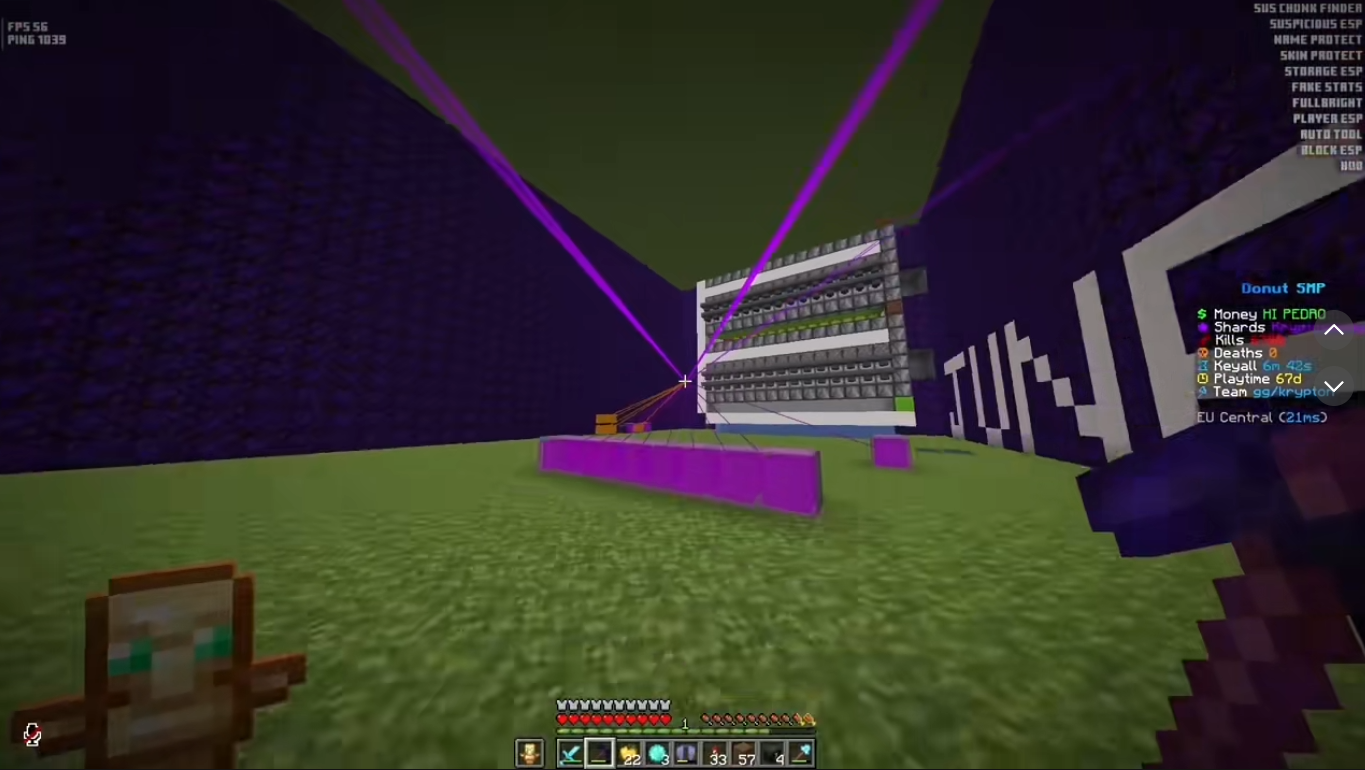
Built specifically for the
unique mechanics of DonutSMP.
We don't just port features — we optimize them. Every module is a standalone .jar; install one or install all four, they don't depend on each other and they don't share state.
Aggressive but safe rendering optimisations: smarter frustum culling, GPU-side particle batching, dynamic chunk priority and CPU-thread balancing. Average uplift of +100% FPS on low- and mid-tier hardware.
- +100% avg fps
- smart culling
- particle batcher
- chunk priority
Lightweight minimap, waypoint manager, entity radar and biome highlights. Renders in under 0.4ms per frame on integrated graphics — invisible cost, real benefit. Cave mode, rotation lock, drag-and-snap anywhere on screen.
- 0.31ms / frame
- waypoints
- entity radar
- cave mode
- biome highlights
Real-time damage tracker, K/D ratio, totem-pop counter, hit-accuracy %, opponent telemetry and session ELO. Drag-and-snap HUD elements, bind any panel to any keystroke, export per-session reports as JSON.
- damage tracker
- K/D · ELO
- totem counter
- hit accuracy
- JSON export
Four steps. Under sixty seconds.
Drop the .jar, install Fabric, restart the game. That's it. Press RShift in-game to open the Krypton GUI.
-
// step 01
Download a module
Pick the .jar you want from the modules section above. Each one is independent — install one, install all four.
-
// step 02
Install Fabric + Fabric API
Run the Fabric Loader installer for your Minecraft version, then grab the Fabric API .jar from Modrinth. Buttons are right below.
-
// step 03
Move both into /mods
Drop the module's .jar and the Fabric API .jar into .minecraft/mods. Create the folder if it doesn't exist.
-
// step 04
Launch Minecraft
Pick the Fabric profile in your launcher and start the game. Krypton's GUI opens with RShift.